Upload multi-angle views
Multiple Images to 3D Model: Combine matching views of one object into one 3D mesh
Combine front, side and rear photos of one object into a single textured 3D mesh free, with no sign-up. Orbit every angle and export GLB, OBJ or STL.
Create your model
3D preview
Sample result · TRELLIS
 Multi-Image to 3D
A real TRELLIS example generated on AI Image to 3D. Inspect the shape, then create your own model from a supported input.
Use cases
Multiple images to 3D model for higher back-side fidelity
Choose the multiple images to 3D model workflow whenever one angle hides critical geometry. Consistent front, side and rear photos give the AI stronger shape cues for one unified mesh.
- Tripo H3.1 · 4 views
Give prop artists tighter control with the multiple images to 3D model panel. Supply matching side and rear views to capture handles, vents or backpacks cleanly, then bring the GLB into your engine or DCC tool for optimization.
- TRELLIS · 3 views
Build a multiple images to 3D model draft of a figurine or decorative piece from several angles so the back matches your intent. Export STL to check scale, wall thickness and supports inside your slicer.
- TRELLIS · 4 views
Feed matching product angles into the multiview 3D model generator to review overall silhouette, buttons and housing proportions in 3D before committing to detailed engineering CAD.
- TRELLIS · 4 views
Pair front and back turnarounds for a character prop or set piece to reduce guesswork on unseen sides. Inspect the combined mesh in the browser, then refine topology and shaders in your production pipeline.
Examples
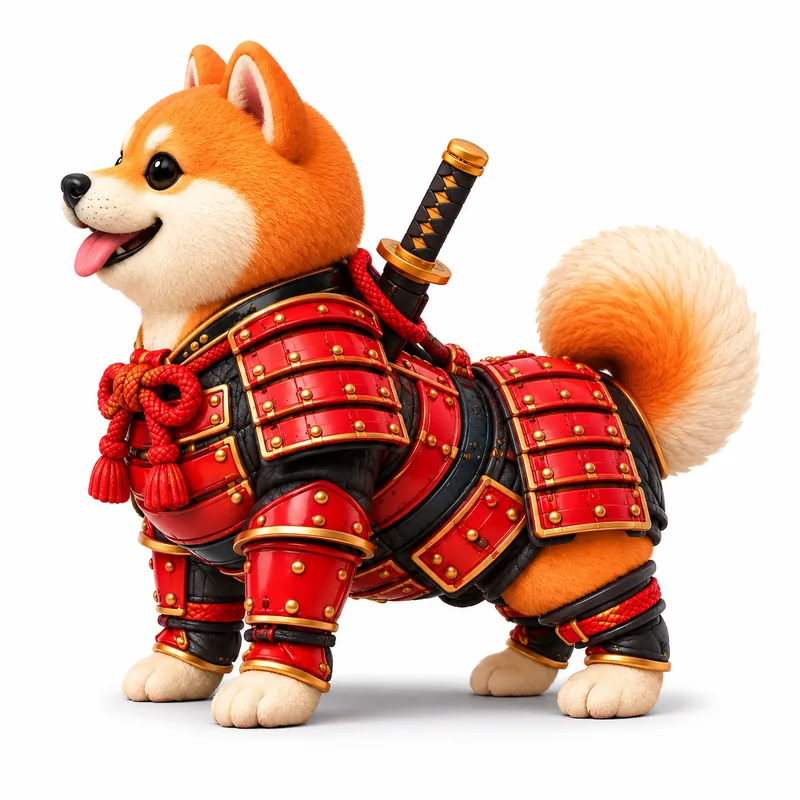
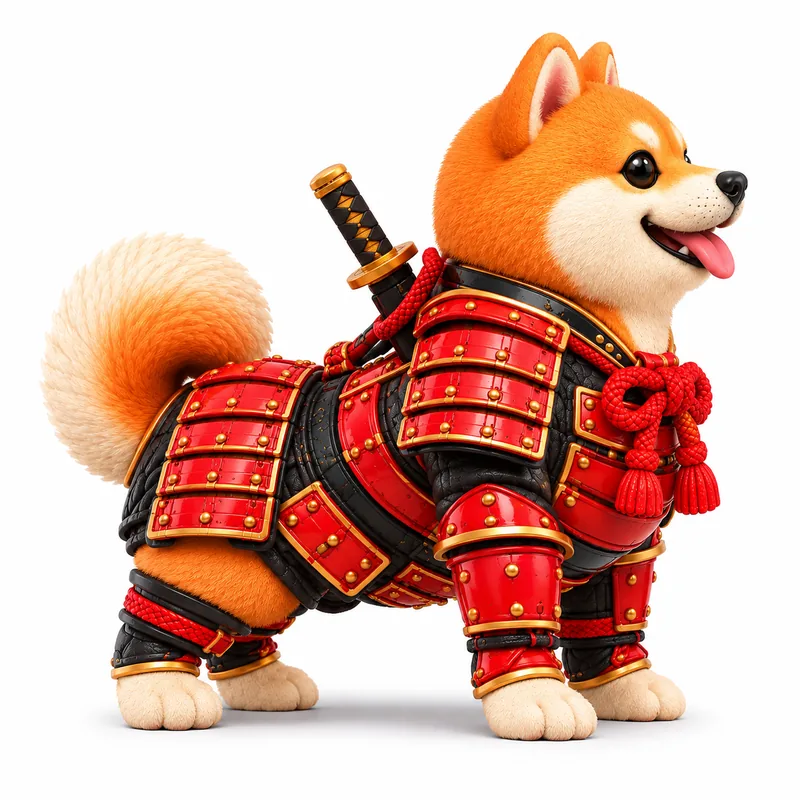
Generate 3D model from multiple images: paired views and results
Each sample lists the exact engine and view set used for one object. The camera and lamp examples use rendered reference angles from original 3D assets to illustrate multi-view conditioning before you test your own photos.


 Input image
Models
Compare each multiview 3D model generator and its view limits
Review every engine that supports multiple views: TRELLIS takes 2–8 images, Rodin accepts 2–5, Meshy takes 2–4, and Tripo requires all four named slots in order. Check the upload slots before running.
| Model | Image | Text | Multi-Image | Mesh detail |
|---|---|---|---|---|
| TRELLIS | Yes | — | 2–8 views | Low · Standard · High |
| Rodin 2.5 Fast | Yes | Yes | 2–5 views | Low · Standard · High |
| Tripo H3.1 | Yes | Yes | 4 set views | Low · Standard · High |
| Rodin 2.5 | Yes | Yes | 2–5 views | Low · Standard · High |
| Meshy 7.1 | Yes | Yes | 2–4 views | Low · Standard · High |
Supported inputs and detail tiers reflect each model’s live workspace configuration. Output quality depends on the clarity of your uploaded image.
Multiple images to 3D model essentials
- Input
- Matching angles of one consistent subject
- View limits
- Accepted image count adapts to the selected model
- Fixed views
- Tripo H3.1 requires all four named slots in order
- Result
- One unified 3D mesh per view set (not batch-per-image)
- Export
- Inspect in-browser and export GLB, OBJ or STL
- Compatible models
- Pick a multiview-capable engine to view its slot rules and limits
Features
A multiple images to 3D model pipeline built for one subject
A multiview 3D model generator shines when every angle agrees. Keep lighting and proportions consistent, match the engine’s slot order and inspect seams before exporting.
Supply matching angles of one consistent object
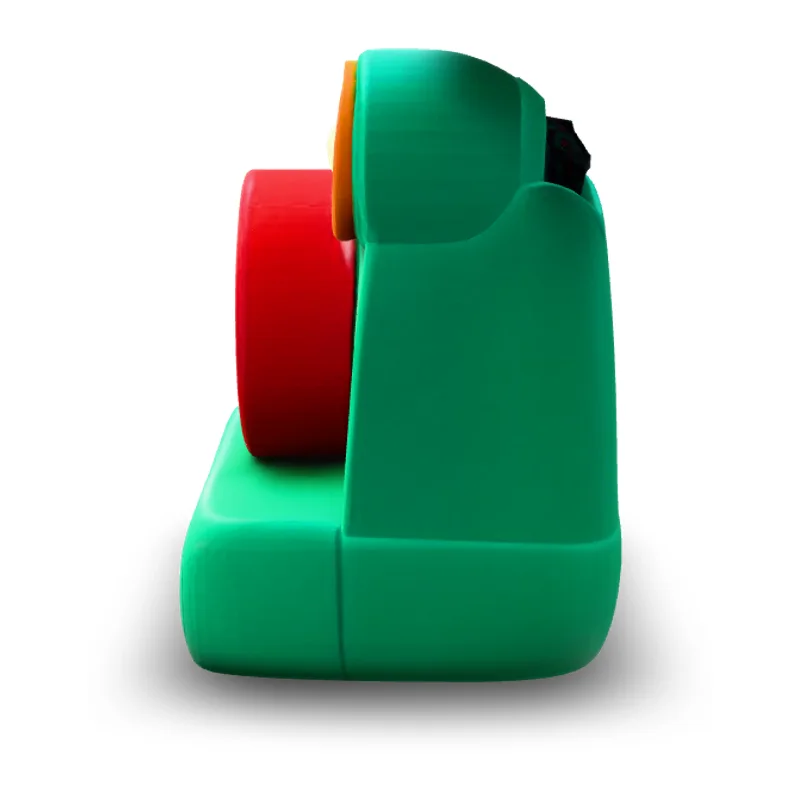
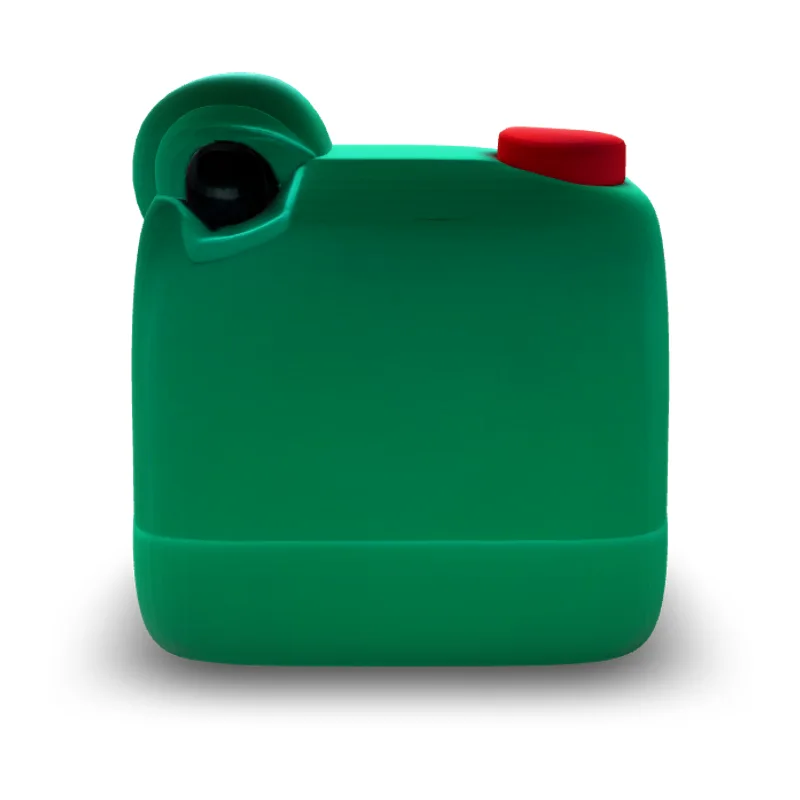
The multiple images to 3D model mode fuses several angles into one unified 3D asset. Upload views of the exact same subject showing key sides, rather than mixing unrelated items—this workflow builds one combined mesh, not a batch of separate models.

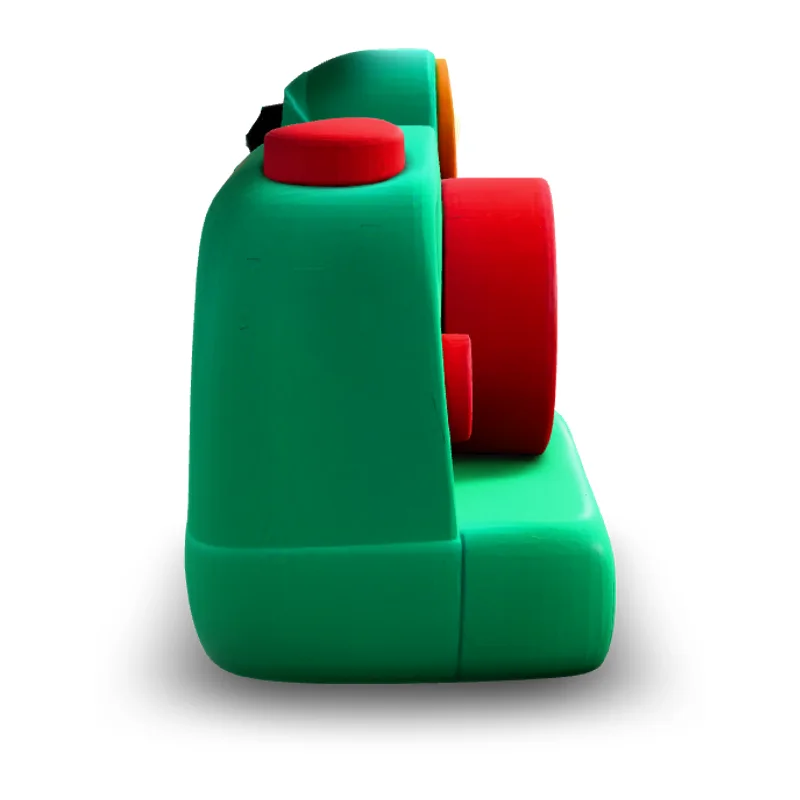 Input image
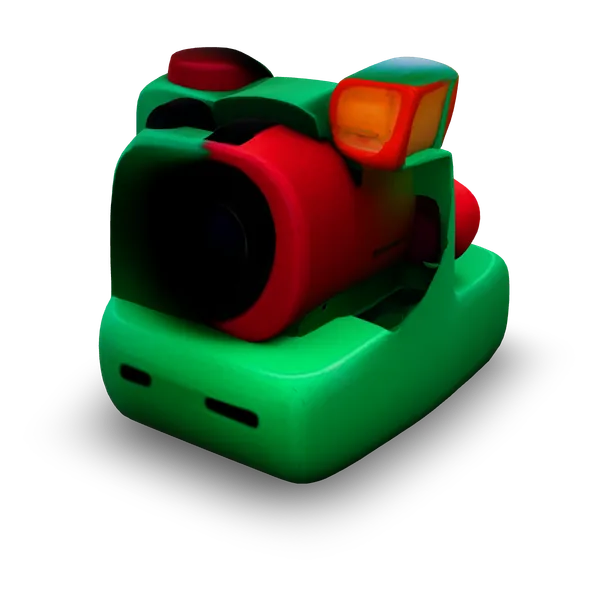
Review how views merge across seams
When you generate 3D model from multiple images, the engine reconciles visual clues from every angle into one continuous surface. Inspect front, side and rear output views to check transitions, and follow the upload panel’s exact slot labels (Tripo uses fixed front, left, back and right slots).



Inspect all sides beyond the uploaded cameras
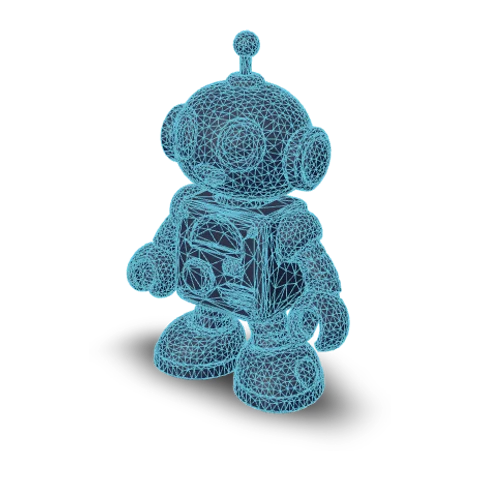
Even with a multiview 3D model generator, tops, undersides and occluded joints are inferred. Orbit the mesh in textured, solid and wireframe views to check proportions and surface continuity before adjusting model-specific detail tiers.
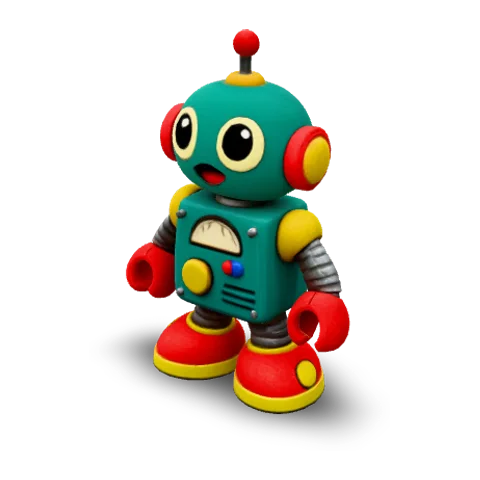
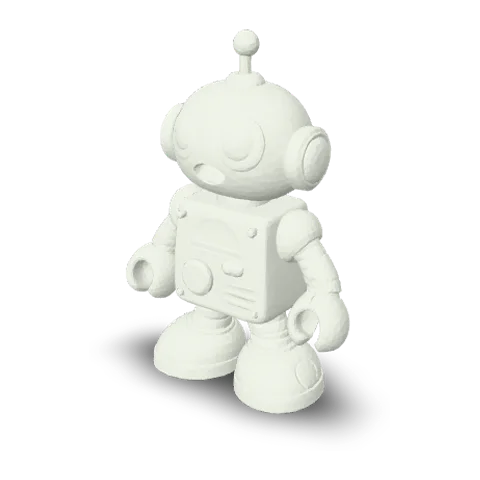
Export one combined mesh in GLB, OBJ or STL
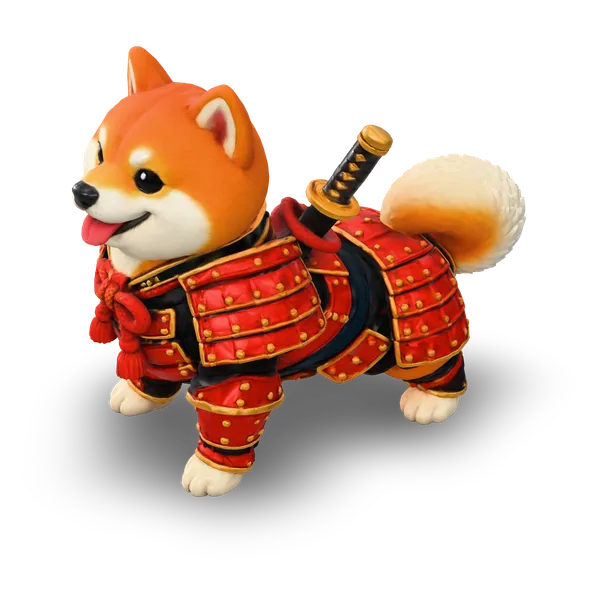
Once the combined geometry looks solid, download GLB for web and game engines, OBJ with companion material files for DCC editors, or STL for slicer checks. Every downstream tool receives the unified mesh ready for final cleanup.
- glbWeb and games
- objEditing tools
- stl3D printing
Verified Technical Specifications
Multiple Images to 3D Model Specifications
Every input rule, export format, and credit policy below matches the live multiple images to 3D generator and active catalog settings.
| Specification | AI Image to 3D Verified ValueVerified | Notes & Verification |
|---|---|---|
| Active Model Coverage | 7 live AI 3D models (TRELLIS free + 6 pro models) | Exact credit cost displayed on the Generate button before running |
| Input Modes | Multi-Image to 3D (2–8 views on TRELLIS; 4 set views on Tripo H3.1) | Uploaded reference photos auto-delete after 24 hours |
| Export Formats | GLB (PBR web/game), OBJ (+MTL/textures), and STL (100 mm longest side) | Inspect in textured, solid, and wireframe views before downloading |
| Free Start & Protection | 8-credit no-sign-up trial + 16-credit sign-up gift | Private 60-day Asset Library · automatic credit refund on failure |
How it works
How to generate 3D model from multiple images step by step
Upload matching angles, verify slot order and inspect the combined mesh inside the shared multiple images to 3D model workspace.
- Add matching views




Gather matching views of one object
Start your multiple images to 3D model run with consistent photos or turnarounds of a single subject. Keep proportions aligned across shots and check your chosen engine’s supported image count.
- TRELLISUSE FREE CREDITS
- Rodin 2.5 FastPRO
- Hunyuan 3D 3.1 RapidPRO
- Tripo H3.1PRO
- Hunyuan 3D 3.1 ProPRO
- Rodin 2.5PRO
- Meshy 7.1PRO
Fill the view slots and review the quote
Drop each image into the multiview 3D model generator slots, matching named positions whenever shown. Adjust texture and detail settings, confirm the credit quote and click Generate.
- GLBOBJSTL
Inspect the combined mesh and export
Orbit the finished result to compare front, sides and back against your references. Download GLB, OBJ or STL, keeping companion material files together for OBJ and checking slicer scale for STL.
More generators
More AI 3D generators
Need single-photo, sketch, text-prompt or direct STL conversion instead of multiple images to 3D model? Switch workflows below.
Stories
Multiple Images to 3D Model Stories
These multiple images to 3D model stories follow creators pairing matching angles of toys, props and products to verify front-to-back consistency.
A single front shot of my stylized explorer backpack prop kept flattening the rear straps and buckles. Switching to multiple images to 3D model with front, left, back and right turnarounds locked in the strap silhouette cleanly before I exported GLB.
FAQ
Multiple images to 3D model FAQ
Clear answers on view counts, Tripo’s fixed slot order, credit billing and exporting from our multiview 3D model generator.
- Model-specific view limits
- GLB · OBJ · STL
- One model per input set
A multiple images to 3D model generator is an AI tool that combines several views of one object into a single textured 3D mesh. On AI Image to 3D, uploading front, side and rear angles gives the model stronger depth clues than a single photo alone.
Build a multiple images to 3D model from matching angles
Upload consistent front, side and back views of one subject, check the model’s slot order and generate a unified 3D mesh free. Orbit every angle and download GLB, OBJ or STL.